USPS Tracking Not Updating: What to Do
If your USPS package or tracked letter has stopped updating, start with the latest scan. This guide explains what the status means and what to do next.
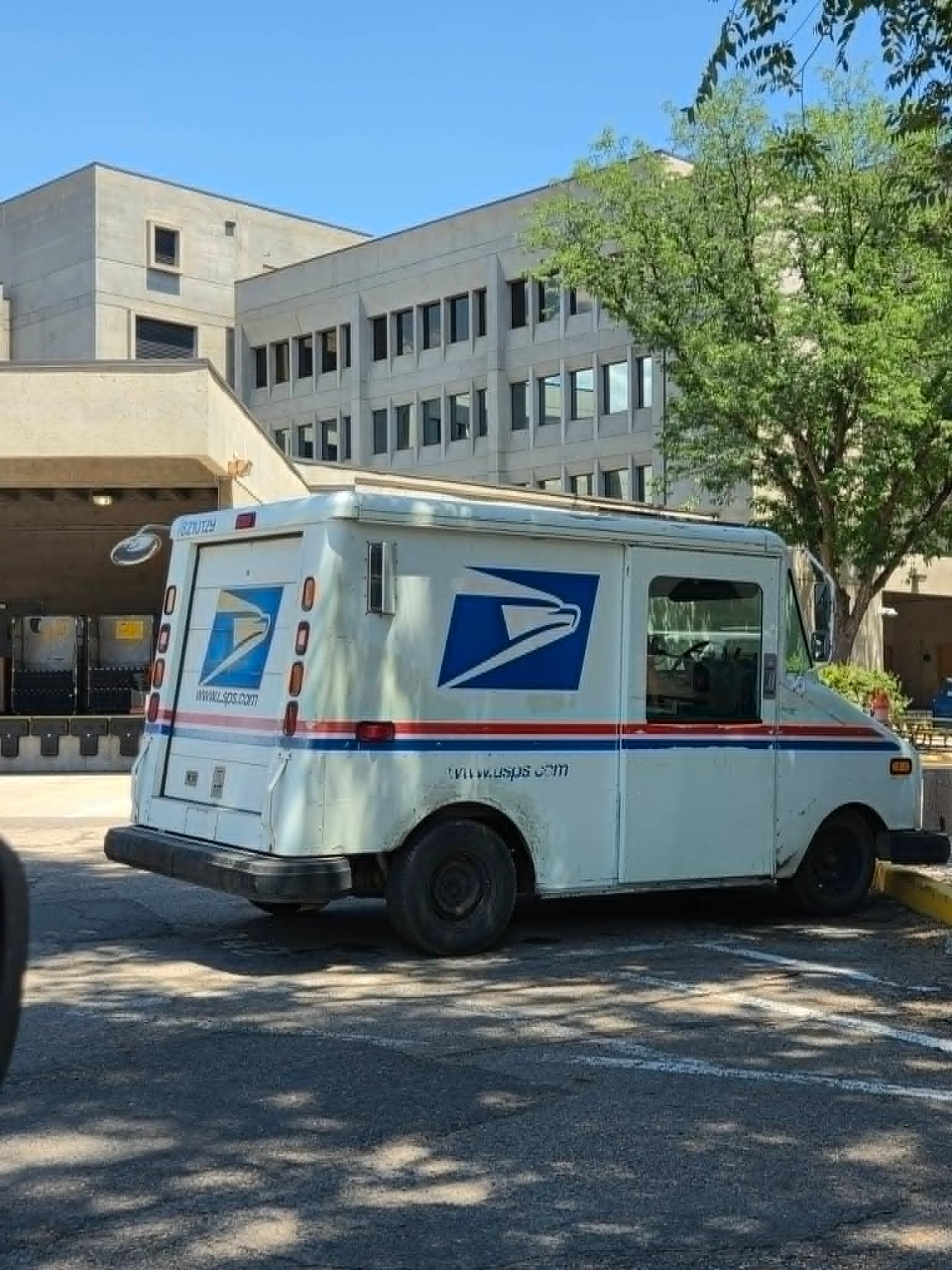
The dreaded: no update
A missing update doesn't always mean your mail has stopped moving. Here is where to start:
- USPS Awaiting Item: Ask the sender to confirm the package or letter was handed to USPS.
- In Transit: Check the expected delivery date. If it is overdue, follow the help options in USPS Tracking.
- Notice Left: Follow the notice to arrange pickup or redelivery.
Tracking a package overseas? Our USPS international tracking guide covers customs updates, destination-country tracking, and international inquiries.
Statuses to check first
Pre-Shipment, USPS Awaiting Item
If you mail with The Letter Pilot frequently, you have probably seen this one before. It is very common. Pre-Shipment means we have created the shipping label and prepared your mail for shipment. The mailpiece may be waiting for USPS acceptance, or it may already have been handed to USPS and its acceptance scan has not appeared yet.
Do not panic if you see this status. In our experience, it often moves to the next step soon. If it has not moved after a day or two and it is not a weekend or a USPS holiday, it is reasonable to contact the mail provider and ask them to confirm the handoff.

Accepted
Congratulations! USPS has scanned your mail in. It will now be processed for transport toward the delivering Post Office.

On the Way
On the Way means USPS is processing or transporting the mailpiece through its network.

Arrived at Post Office
Your mailpiece is really close now. It has reached the destination Post Office and is being prepared for final delivery. This is typically the last Post Office location in the route before an Out for Delivery scan. USPS says the mailpiece should arrive that day or the next postal business day. If it has not, USPS Tracking can show whether a service request is available.
Delivered
This one is self-explanatory. Congratulations, your mail was delivered successfully.

Where does your mail get stuck?
Some of the most common places we see mail appear to get stuck are On the Way and Arrived at Post Office. On the Way covers facility processing and transportation; Arrived at Post Office means the mailpiece has reached the destination Post Office and is being prepared for delivery.
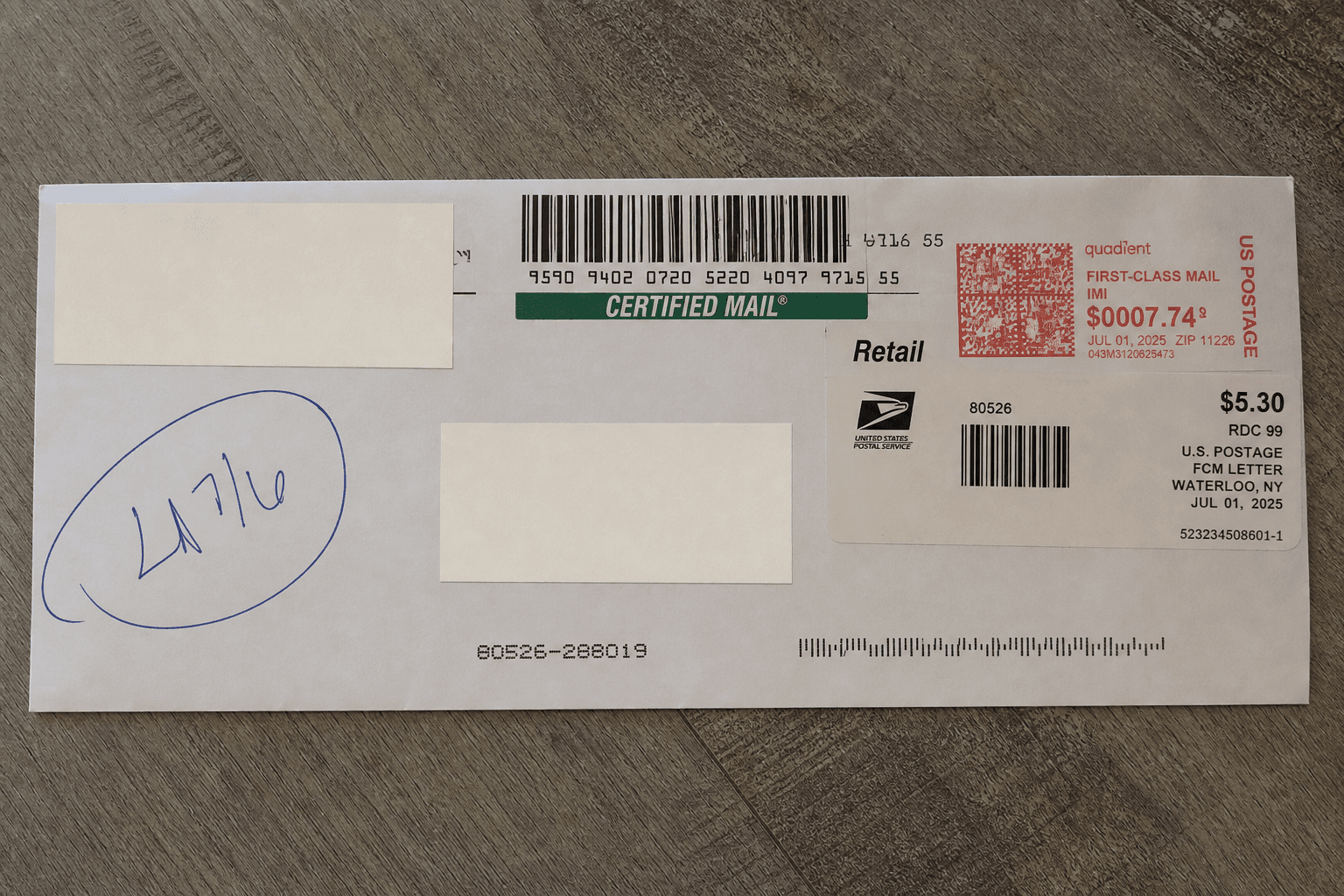
One thing we see a lot is Certified Mail getting stuck on Arrived at Post Office. The first thing I check is whether it is going to a PO Box. The Post Office can have the mailpiece sitting at its delivery location, but it may still need a signature from the box holder or someone authorized to receive it before the final update happens.
I get some understandably frustrated customers around tax season when the tracking page says Arrived at Post Office, their filing is at a deadline, and they are waiting for an authorized IRS recipient to sign for it. Of course, weather, staffing issues, holidays, and rural routes can cause more obvious delays too. But if the final update is missing, an Arrived at Post Office scan going to a PO Box is one of the first places I look.

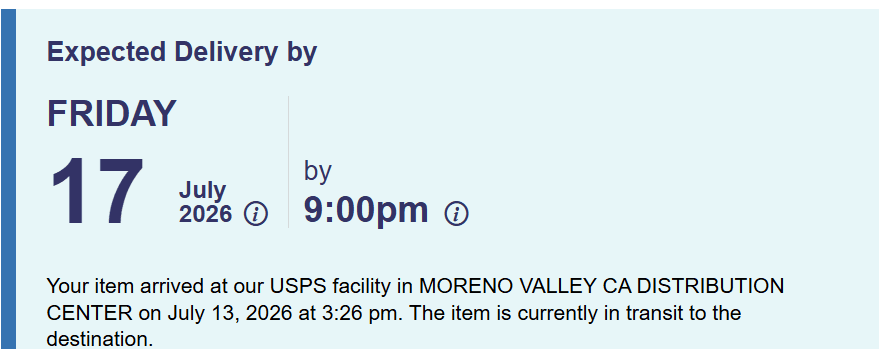
An expected delivery date is not a guarantee, but if it has been several days since that date and the mailpiece still has no Delivered or attempted-delivery status, it is time to take extra steps. At The Letter Pilot, customers contact us in this situation, but we cannot physically move or unstick a mailpiece once it is in the USPS network.
We usually point customers to the USPS Missing Mail search. Add the tracking information and the requested mailing details, and USPS can open a case to look for the mailpiece. USPS says a Missing Mail search can be submitted no earlier than seven days after the original mailing date and no later than 365 days after mailing.
You can also contact the last Post Office shown in tracking, though they may direct you to the same official search process. For genuinely time-sensitive mail, we may resend it when a case remains unresolved; a replacement is often the safer way to protect a deadline. Funny enough, I have not personally seen one of our tracked pieces disappear forever. While writing this guide, I refreshed a few older problem pieces and every one now showed delivered. Go USPS!
Is Your Mail Arriving Today?
We know there are a few statuses that mean your mail is either arriving today or will arrive soon. You might be waiting for an Amazon package, for example, and see the status Arriving Today. That means your package should be arriving shortly. Usually, you'll also get a helpful delivery time frame.
If a mailpiece appears in today's Informed Delivery email, it is expected to arrive soon, although the preview does not guarantee it will be delivered that same day.
If your tracking status says Arrived at Post Office, the package is being prepared for delivery and should arrive today or the next postal business day.
If your tracking says Out for Delivery but the package has not arrived yet, it is probably still on a carrier's route. Packages are not always delivered by the same carrier who brings your regular mail, so a package may arrive separately or later in the day. USPS says deliveries should normally be completed by 5 p.m. local time, although traffic, staffing, weather, and other unusual circumstances can push deliveries later. The 9 p.m. time USPS mentions is not the normal delivery deadline. It is the point when a missing Delivered scan may trigger a Delivery Status Not Updated or Awaiting Delivery Scan update. USPS then anticipates delivery on the next postal business day, so you likely just need to wait a little longer, but next-day delivery is not guaranteed.
If it does not arrive, do not immediately assume it is lost. The carrier may not have completed the route, there may have been an access problem, or the package may simply be delivered on the next postal business day.
You can also check for a notice left by the Post Office explaining why the item could not be delivered. If that's the case, take the notice and a valid photo ID to the Post Office to sign for and pick up the item, or use the notice to schedule redelivery to your address.
Questions people ask
Why is my USPS tracking not updating?
Tracking is based on scans. A quiet tracking page can mean USPS has not received the mailpiece yet, that it is moving between scans, or that USPS has posted a status that needs a different next step. Start by reading the exact status shown in USPS Tracking.
When can I submit a USPS Missing Mail search?
USPS says a Missing Mail search request may be submitted no earlier than seven days after the original mailing date and no later than 365 days after mailing.
Can I get USPS tracking updates by text?
Yes. USPS offers text tracking through 28777 (2USPS). Follow the USPS Text Tracking instructions and enter the tracking number exactly as shown.
Sources
More USPS guides
USPS guide
How to Send Certified Mail
Learn how to send USPS Certified Mail, fill out the mailing forms, choose Return Receipt, and keep your records. Includes an online mailing option.
Read guideUSPS guide
Why Would You Get a Certified Letter? Common Reasons & What to Do
Learn why you might receive Certified Mail, what to do after delivery, how to spot scams, and what happens if you do not pick it up.
Read guide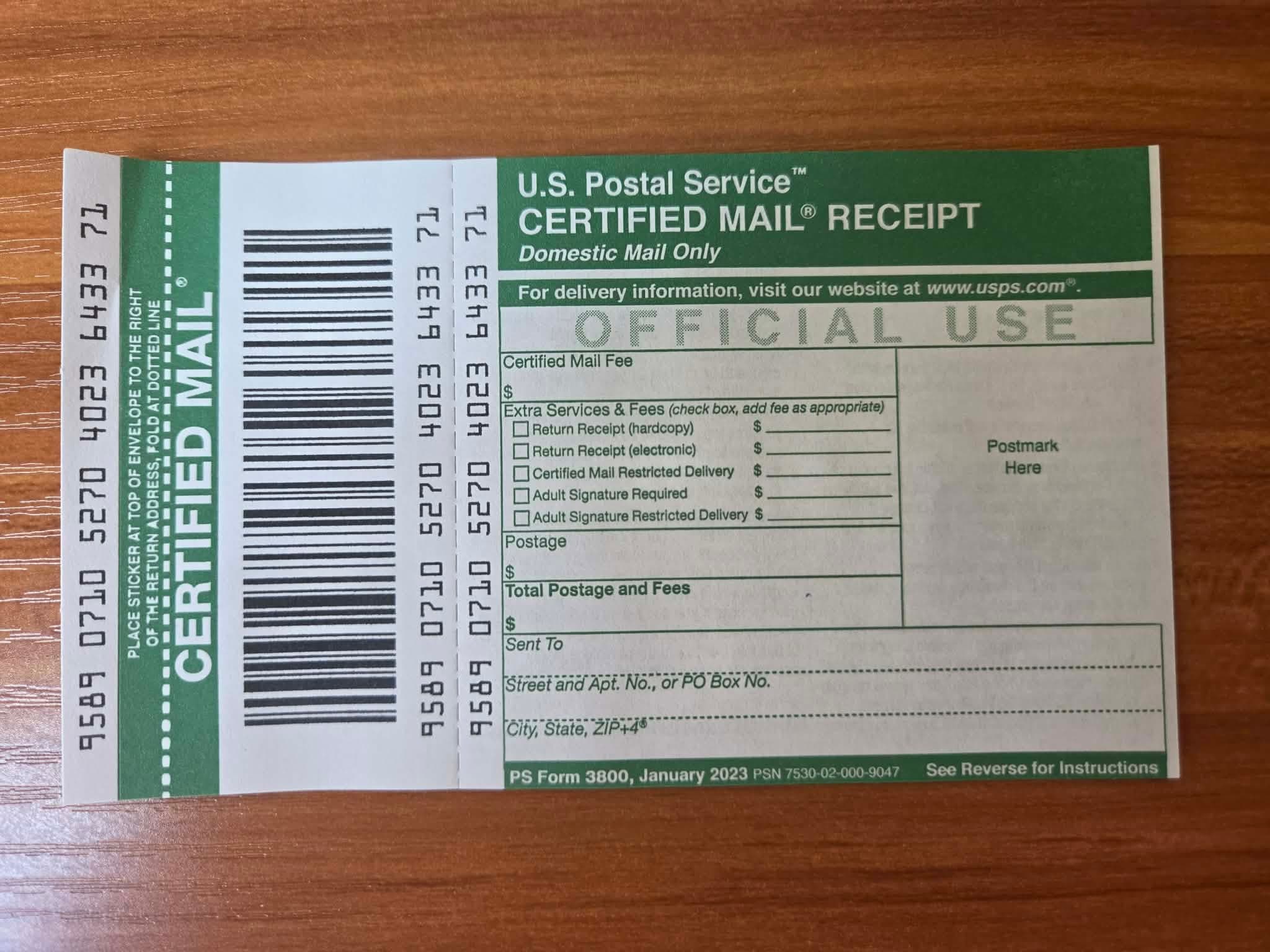
USPS guide
How to Write a Certified Letter (Format & Examples)
Learn how to write a certified letter with the correct format, sample wording, a complete example, and a reusable template for important notices.
Read guide
USPS guide
How to Track Certified Mail
Learn where to find your Certified Mail tracking number, check delivery status, and get proof of delivery when available.
Read guide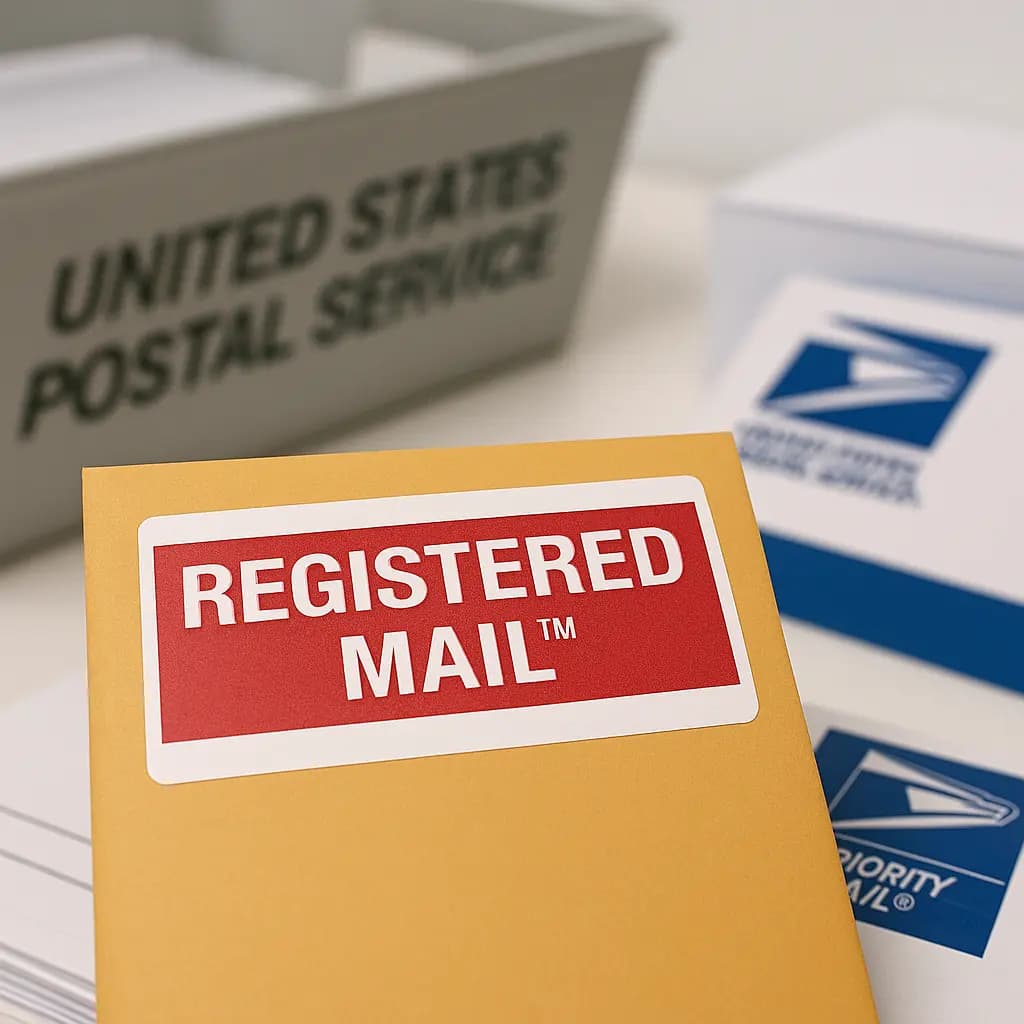
USPS guide
USPS Registered Mail: Cost & Certified Mail Comparison
USPS Registered Mail starts at $20.90 plus postage. Compare it with Certified Mail, see fees by declared value, and learn how to send it.
Read guide