
How to Declare Documents on USPS Customs Forms (2025 Guide)
Quick Answer: Declaring Documents
- Category: Select "Documents" (not Gift or Merchandise)
- Description: Be specific (e.g., "business correspondence" not "papers")
- Value: $0 or $1 for standard documents with no commercial value
- Form needed: Usually not required for First Class letters; typically required for Priority Mail
Understanding how to declare documents on USPS customs forms is essential for smooth international mailing. This guide covers USPS customs declaration requirements for documents, explaining when you need a customs form, how to describe and value documents correctly, and step-by-step instructions for completing PS Form 2976 and 2976-A.
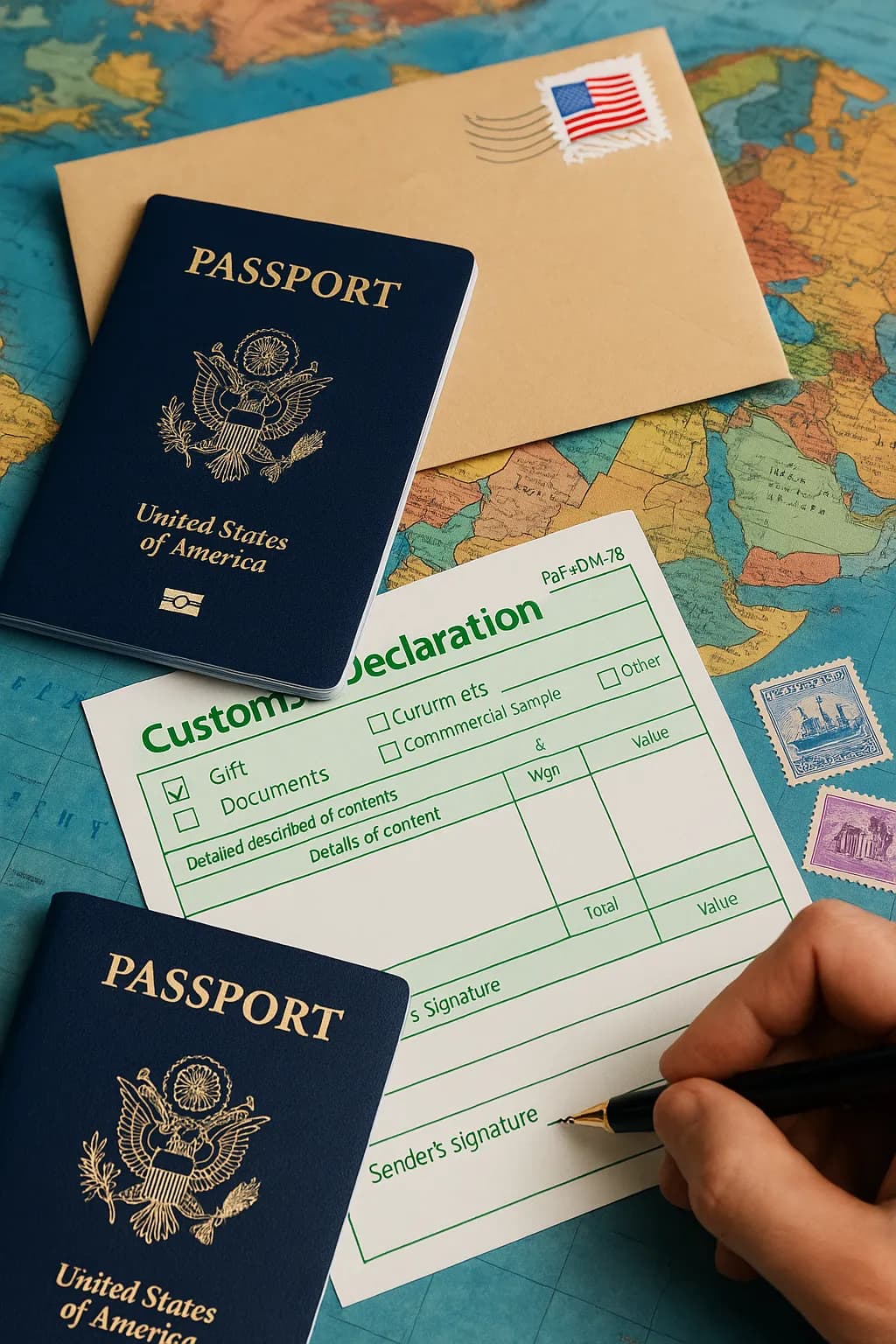
In This Guide
When Is a Customs Form Needed for Documents?
Not all international document mailings require customs forms:
Customs Form NOT Required
- First Class Mail International letters containing only personal correspondence
- First Class Mail International letters containing only business documents
- Standard postcards
- Documents with no commercial or monetary value
Customs Form Generally Required
- Priority Mail International packages (check current USPS rules for your destination)
- Priority Mail Express International packages
- Many large envelopes (flats), especially thicker ones or those treated as packages—check USPS guidelines or the online customs form tool for your specific mailing
- Packages containing documents
- Documents accompanied by any items with commercial value
- Documents going to countries that require declarations for all mail
Simple Letters
If you are sending a simple letter or standard business documents in a regular envelope via First Class Mail International, you typically do NOT need a customs form. Just add proper international postage and mail.
Which Customs Form to Use for Documents
When a customs form is required, choose the appropriate one:
| Form | When to Use | Size |
|---|---|---|
| PS Form 2976 | Documents valued under $400; simple contents | Small green label |
| PS Form 2976-A | Documents valued at $400+; Priority Mail International | Full-page form |
For most document shipments, PS Form 2976 (the small green label) is sufficient. Use PS Form 2976-A for Priority Mail International or high-value documents. See our guide: Which USPS Customs Form Do You Need?
Selecting the Contents Category
Customs forms require you to select a category. For documents, choose appropriately:
| Document Type | Select | Why |
|---|---|---|
| Business correspondence | Documents | Standard business purpose |
| Legal papers, contracts | Documents | Official/legal purpose |
| Personal letters to friends/family | Documents | No commercial value; standard correspondence |
| Tax documents, financial statements | Documents | Business/financial purpose |
| Academic transcripts, diplomas | Documents | Educational records |
| Photos (personal) | Documents or Gift | Use "Gift" if sent specifically as a gift; otherwise "Documents" |
| Marketing materials | Commercial Sample | Business promotional purpose |
Why Category Matters
Selecting the wrong category can cause customs delays or additional duties. "Merchandise" may trigger import taxes in some countries. "Documents" typically receives faster customs clearance with no duties. Reserve "Gift" for physical items being sent as gifts—standard letters and documents (even personal ones) are usually best categorized as "Documents."
How to Describe Documents on Customs Forms
Accurate, specific descriptions help customs process your documents quickly:
Good Descriptions (Specific)
- "Business correspondence" or "Business letter"
- "Legal contract" or "Signed agreement"
- "Court documents" or "Legal filing"
- "Personal letter" or "Family correspondence"
- "Financial statements" or "Tax documents"
- "Academic transcript" or "Educational records"
- "Photographs" (specify quantity, e.g., "10 photographs")
- "Notarized documents"
- "Invoice" or "Commercial invoice"
Poor Descriptions (Too Vague)
- "Documents" (too generic)
- "Papers" (uninformative)
- "Stuff" or "Things" (will cause inspection)
- "Important materials" (vague)
- "Miscellaneous" (red flag for customs)
What Value to Declare for Documents
Most documents can be safely declared at $0 or $1 when they have no commercial value. For items with inherent value, declare a reasonable fair market or replacement value, and check destination-country rules if unsure. Here are general guidelines:
| Document Type | Suggested Value | Explanation |
|---|---|---|
| Personal letters | $0 or $1 | No commercial value |
| Business correspondence | $0 or $1 | No commercial value |
| Contracts, legal documents | $0 or $1 | Paper has no value; content is not taxable |
| Tax returns, financial docs | $0 or $1 | Informational documents only |
| Academic transcripts | $0 - $25 | Replacement cost if applicable |
| Personal photos | $0 or $1 | Sentimental value is not declared |
| Collectible documents (rare) | Fair market value | Declare actual worth |
| Original artwork on paper | Fair market value | Has inherent value |
Why $1 Instead of $0?
Some customs systems do not accept $0 values. Declaring $1 indicates the documents have no commercial value while satisfying form requirements. Either $0 or $1 is generally acceptable for standard documents with no commercial value.
Step-by-Step: Completing Customs Forms for Documents
PS Form 2976 (Small Green Label)
- Contents Category: Check "Documents" box
- Detailed Description: Write specific description (e.g., "Business contracts - 3 pages")
- Quantity: Number of documents or sets (e.g., "1" for a letter, "3" for three separate documents)
- Weight: Weight in ounces or grams
- Value: "$1" or "$0" for standard documents
- Country of Origin: "United States" or "USA"
- Signature and Date: Sign and date the form
PS Form 2976-A (Full Page Form)
- Sender Information: Complete your name, address, and phone
- Addressee Information: Complete recipient name and full international address
- Contents Category: Check "Documents"
- Item Description Table:
- Column 1: Detailed description (e.g., "Legal contract")
- Column 2: Quantity (e.g., "1")
- Column 3: Weight (e.g., "2 oz")
- Column 4: Value (e.g., "$1")
- Column 5: Country of origin ("USA")
- Total Weight and Value: Sum all items
- Comments: Add clarifying notes if needed (e.g., "No commercial value - documents only")
- Certification: Sign, date, and print name
Common Mistakes to Avoid
- Leaving description blank or too vague: Always provide specific descriptions. "Papers" or "Documents" alone is insufficient.
- Declaring high value for standard documents: Do not inflate value thinking it provides more protection. It may trigger duties or delays.
- Selecting "Merchandise" for documents: This category is for goods being sold. Standard documents are usually classified as "Documents," not "Commercial Sample" or "Merchandise."
- Forgetting to sign the form: Unsigned customs forms will be rejected.
- Using outdated forms: Always use current USPS customs forms. Old forms may be rejected.
- Incomplete recipient address: Include full international address with postal code and country name.
Special Cases
Legal Documents Requiring Proof of Mailing
For legal documents where you need proof of mailing:
- Use Priority Mail International (includes tracking)
- Add Registered Mail service for chain-of-custody documentation
- Keep copies of all customs forms
- Save your receipt with tracking number
Confidential Documents
For sensitive business or legal documents:
- Description can be general: "Legal documents" or "Confidential business correspondence"
- You do not need to describe the specific content in detail
- Consider Priority Mail Express International for faster, more secure delivery
Multiple Different Documents
If sending several types of documents:
- List each type separately on the form
- Example: "Business contracts (3), Financial statements (5), Correspondence (2)"
- Total the quantities and values at the bottom
Send Documents Internationally
Skip the customs forms. Upload your document and we handle printing, proper customs declarations, and international mailing with tracking.
Send Documents OnlineFAQs
Do I need a customs form for sending documents internationally?
Standard letters containing only personal correspondence or business documents generally do NOT require a customs form for First Class Mail International. However, Priority Mail International packages typically require a customs form—check current USPS rules for your destination. Large envelopes and packages containing documents may also require customs forms depending on destination and contents.
What value should I declare for documents?
Most documents can be safely declared at $0 or $1 when they have no commercial value. For items with inherent value (collectible documents, original artwork, irreplaceable certificates), declare a reasonable fair market or replacement value, and check destination-country rules if unsure.
What description should I use for documents on customs forms?
Use specific, accurate descriptions like "business correspondence," "legal documents," "contracts," "personal letters," or "photographs." Avoid vague terms like "documents" or "papers" which may trigger customs inspection.
What category should I select for documents: Gift, Documents, or Commercial Sample?
Select "Documents" for most correspondence, contracts, legal papers, and official documents—including personal letters when they have no commercial value. Reserve "Gift" for physical items being sent as gifts. Standard documents are usually not classified as "Commercial Sample" or "Merchandise."
Can I describe confidential documents generically?
Yes. You can use general descriptions like "legal documents" or "confidential business correspondence" without revealing specific content. Customs does not require you to disclose privileged or confidential details.
What if my documents are returned for incorrect customs form?
If customs rejects your shipment, it will typically be returned to you. Correct the customs form according to the reason provided, and re-mail with proper documentation. Common issues include vague descriptions, missing signatures, or incorrect form type.
Related Guides
- PS Form 2976: Short Customs Form Guide
- PS Form 2976-A: Detailed Customs Form Guide
- Which USPS Customs Form Do You Need?
- Best USPS Service for International Documents
- How to Send First Class Mail International
- How to Send Priority Mail International
Tags: customs form documents, declare documents international mail, USPS customs declaration, document value customs, international document shipping, PS Form 2976 documents