How to Mail Sensitive Documents Safely
Quick Answer
First things first, always verify the recipient's address. Send copies instead of original documents unless the originals are required. Use an envelope people cannot see through, and make sure it is fully sealed.
Since these are important documents, use a trackable mail service such as Certified Mail or Priority Mail. With Certified Mail, you can also add Return Receipt if you need a signature record.
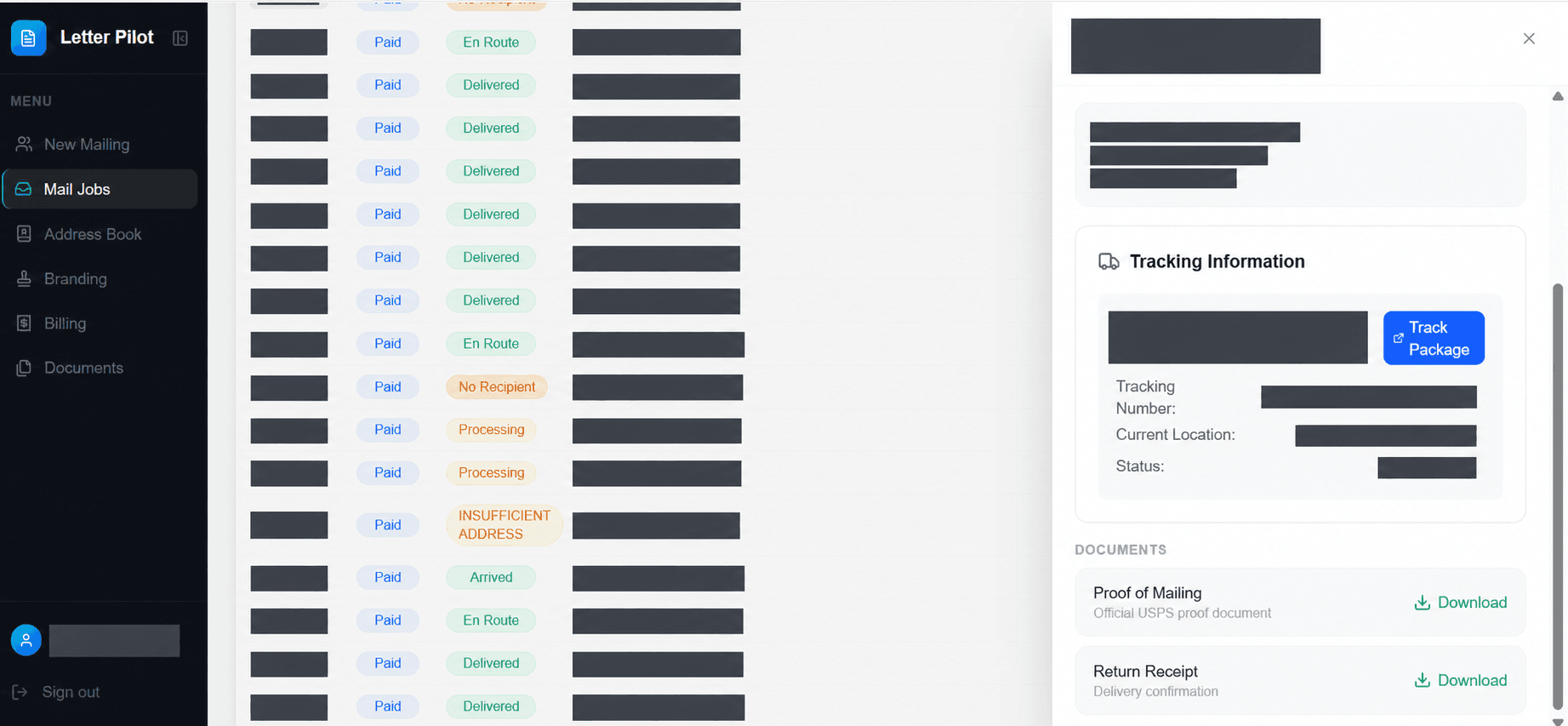
If you send Certified Mail through The Letter Pilot, you can track it from your user dashboard.
Sensitive documents can include tax records, medical records, legal papers, bank information, identification documents, or anything else containing information you would not want exposed. Mailing them is sometimes unavoidable. The important part is knowing what the recipient actually requires and creating the right record of what you sent.
Before You Mail Anything
Start by confirming the recipient's instructions. Check the mailing address on the organization's official website or paperwork, confirm the deadline, and find out whether they need an original or will accept a copy. Once you have the right destination, our ZIP+4 address lookup can help you check the postal format before writing the envelope.
We have another guide about mailing checks safely. I recently had to mail some rather large checks to pay off lenders and followed my own instructions. I ended up calling customer support for one of the lenders to verify the address because I found different answers online. Make sure you verify the address if anything looks unclear.
- Send copies instead of originals unless an original is specifically required.
- Remove or redact information the recipient does not need, if their instructions allow it.
- Make a complete copy or scan of everything you send.
- Use an attention line or department name when the organization provides one.
- Do not put Social Security numbers, account numbers, medical details, or other private information on the outside of the envelope.
Some tax forms, checks, payment coupons, and other documents require sensitive information inside the envelope. One of the lenders I paid required my account number on the payment coupon. Follow the recipient's instructions, but keep that information inside the sealed envelope.
How to Package Sensitive Documents
Use an envelope that cannot be seen through if possible. You do not want to advertise what you are mailing.
When we mailed checks recently, we wrapped them in another sheet of blank paper so none of the information could be seen through the envelope. We highly recommend doing that as an extra layer of privacy.
Seal the envelope completely and make sure no paper is caught in the flap.
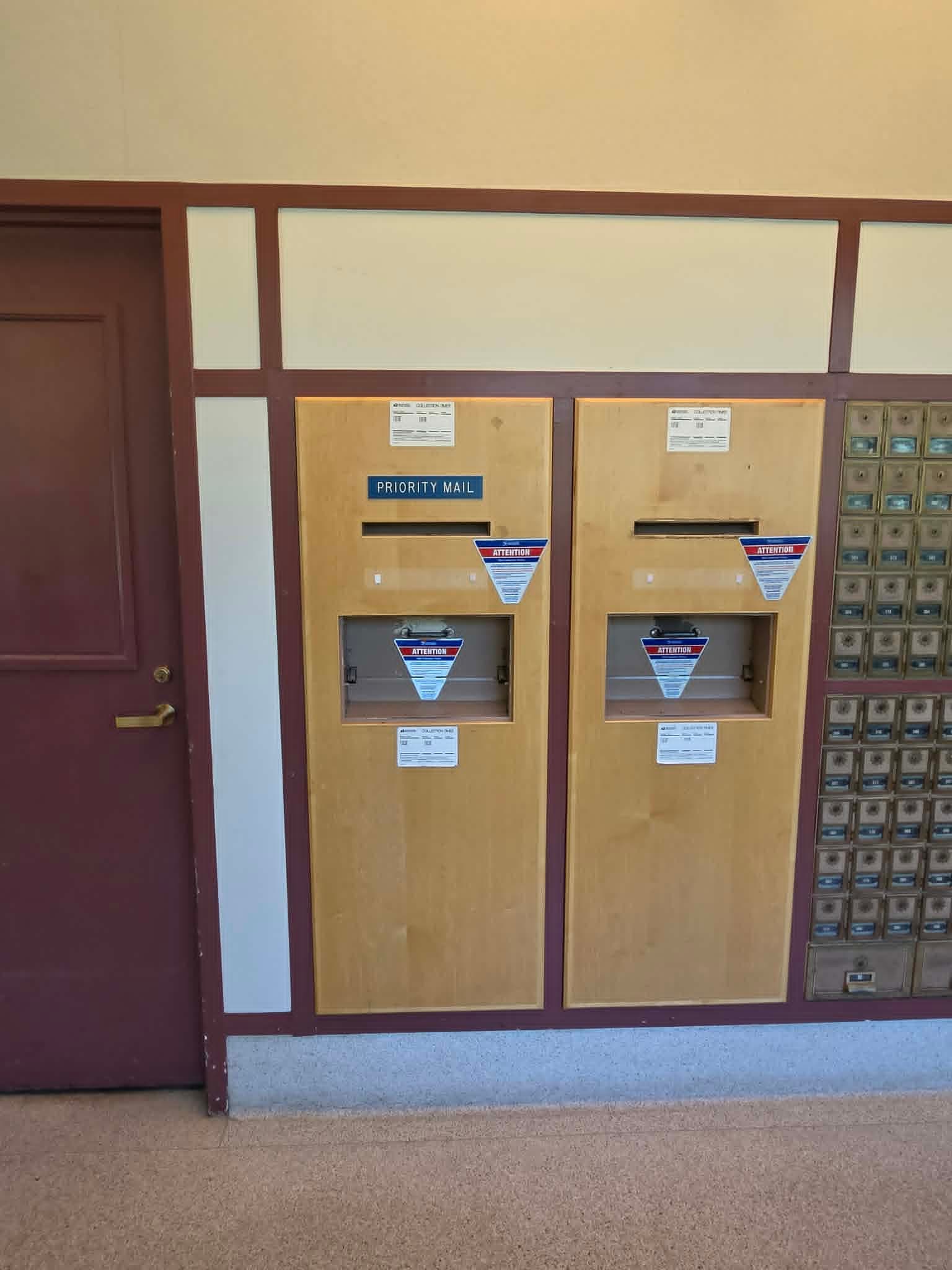
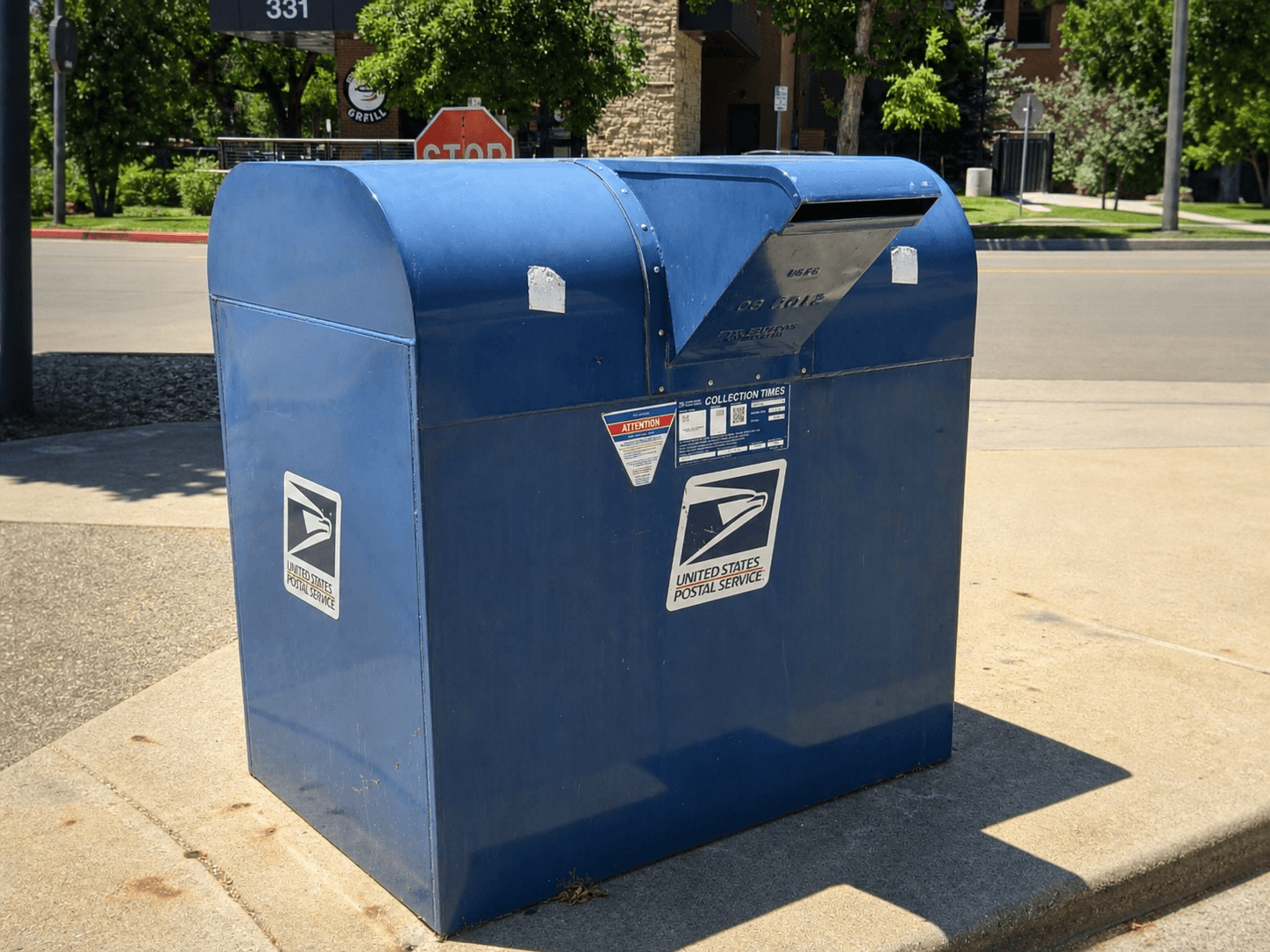
USPS blue collection boxes are usually fine to use, especially if you deposit the envelope before the last collection time posted on the box. For large checks, original documents, or anything difficult to replace, we recommend handing the envelope directly to a postal employee or using the mail drop inside the Post Office.
Which Mailing Service Should You Use?
It kind of depends on what you are mailing. The three options covered here are Certified Mail, Registered Mail, and Priority Mail Express.
If timing matters, use our USPS delivery time estimator for a planning estimate, not a guaranteed arrival date. Allow extra time for delays and for the recipient to process your documents.
Use our mailing cost calculator to estimate postage for your document packet's weight and format. Extra-service fees are separate.
USPS Tracking
All three services give you tracking or delivery information, so you should be good there. If the documents are really important, do not just throw a stamp on the envelope. Use a trackable service and keep the mailing receipt.
Certified Mail
Certified Mail is especially useful when you need a mailing receipt and delivery tracking. You can send Certified Mail through our dashboard and keep track of everything in one place.
If you need the recipient's signature, add Return Receipt. You can choose an electronic Return Receipt or the physical green card that gets mailed back to you.
Registered Mail
Registered Mail is USPS's highest-security mail service. It is generally a better fit for valuable or irreplaceable items than ordinary paperwork. See our Registered Mail guide for more information.
Priority Mail Express
Priority Mail Express is the fastest option covered here and includes USPS Tracking. Use it when you need to get the documents there quickly. You can also request a signature record when purchasing it.
Common Sensitive Documents
Tax and financial documents
We have an awesome guide with an easy-to-follow workflow for double-checking where to mail your tax return. Always double-check where you're sending these documents. They're really important!
If a landlord or lender asks for a letter confirming your job, our employment verification letter template gives your employer a starting point to review and sign.
If your bank asks for a written closure request, use our bank account closure letter template and follow the bank's instructions.
Medical records
I've had to mail a couple of different forms, mostly to insurance companies. These can be painful to get through sometimes. I swear I get rejected more often than I get things accepted. They're looking for any reason to deny you, so make sure you include everything!
Need to request a copy first? Start with our medical records request letter template.
Identification and government paperwork
Make sure you follow the government agency's instructions exactly. They're pretty strict as well. Waiting on a passport? See how to track your passport application and delivery.
Preparing a renewal package? Follow our passport renewal mailing checklist before you send it.
Sending vehicle or driver paperwork? Our guide to mailing DMV paperwork walks through checking your state's instructions, preparing the documents, and keeping a mailing record.
What to Keep After Mailing
- A copy of every document and enclosure
- The date you mailed it
- The exact address used, including any department or attention line
- Your mailing receipt and tracking number
- The USPS delivery or attempted-delivery record
- The Return Receipt or signature record, if purchased
If You Want to Send It Online
The Letter Pilot can print and mail documents using First-Class Mail or Certified Mail. Your dashboard keeps the mailing and tracking information together, so you do not have to manage a paper receipt.
See how online mailing works or review the Certified Mail option.
Sources
- USPS: Insurance and Extra Services: Certified Mail, Return Receipt, Registered Mail, and signature-service descriptions.
- USPS: Mail and Shipping Services: Tracking availability and current service features.
- USPS: What Is a Collection Box?: Eligible mail, deposit restrictions, and posted collection times.
- U.S. Postal Inspection Service: Mail Theft: Protecting important mail and considering a recipient signature.
- Federal Trade Commission: What To Know About Identity Theft: Protecting documents that contain personal or financial information.
More guides for important mail

USPS guide
How to Mail DMV Paperwork: 50-State DMV Checker
Use our DMV checker for all 50 states and DC to find online options and mail-in guidance for registration renewals, replacement titles, and license renewals.
Read guide
USPS guide
How to Address a Letter to a Judge (Envelope, Salutation, Sample Letter)
Learn how to address a letter to a judge, format the envelope and salutation, avoid ex parte contact, and use a sample character-reference letter.
Read guide
USPS guide
Where to Mail IRS Tax Returns: Address Finder by State
Use our IRS mailing address finder to find where to send tax returns, amended returns, extensions, and payments by state, form, and delivery method.
Read guide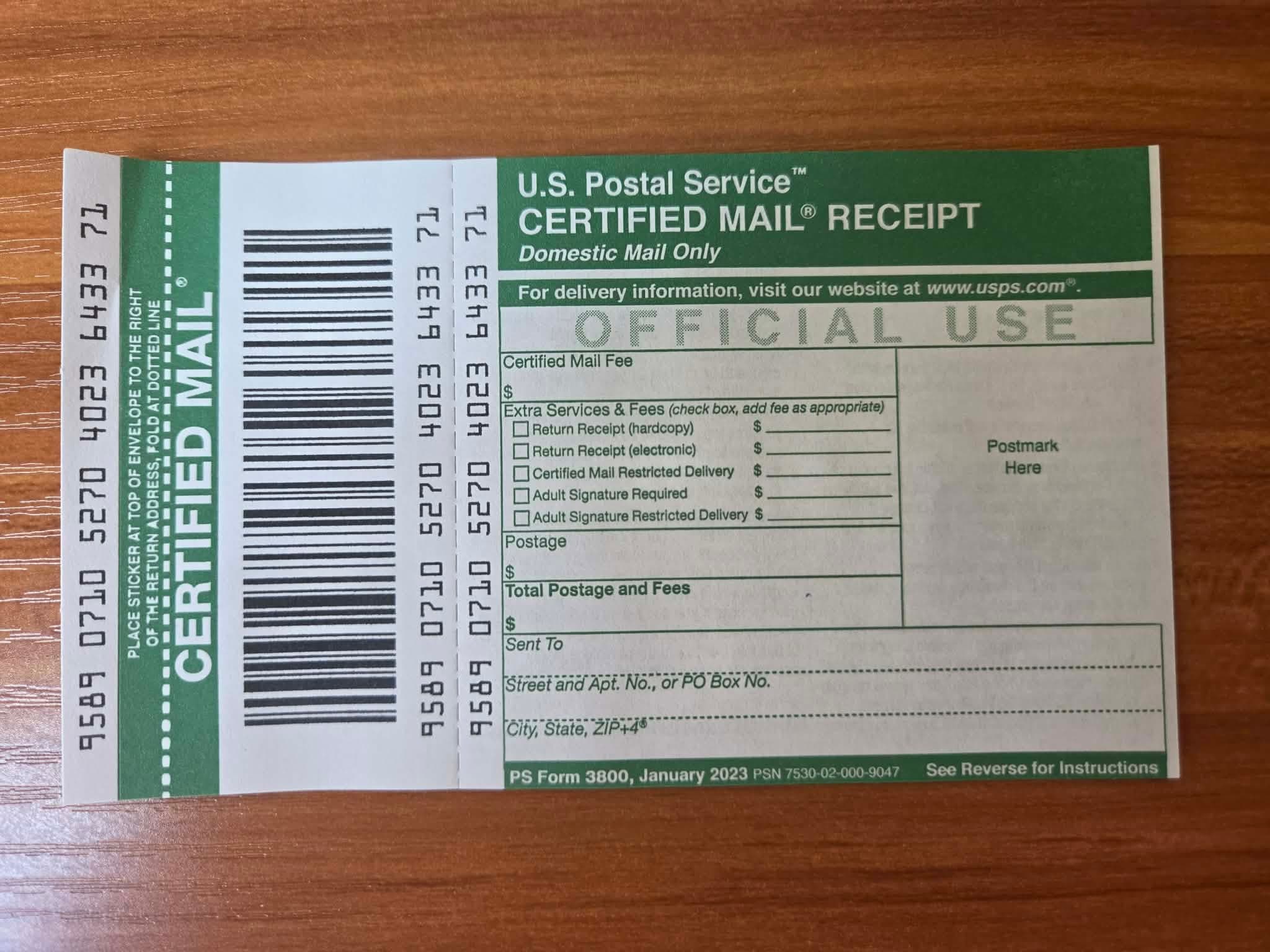
USPS guide
How to Write a Certified Letter (Format & Examples)
Learn how to write a certified letter with the correct format, sample wording, a complete example, and a reusable template for important notices.
Read guide
USPS guide
USPS Registered Mail: Cost & Certified Mail Comparison
USPS Registered Mail starts at $20.90 plus postage. Compare it with Certified Mail, see fees by declared value, and learn how to send it.
Read guide